For any support please don't hesitate to contact us at Support Center. We provide 13 hours real-time support for our customers.
We would like to thank you for choosing KindAid - Charity & Nonprofit HTML Template.
Getting started
The template is easy to customize, ensuring a unique and professional look for your donation platforms. Get ahead of the competition and stand out in the market with our HTML template for donation platforms.
Template Features
HTML5 & CSS3
Bootstrap v5.x
Font-awesome
jQuery
Wow js
Hover Animation Included.
3+ Awesome Homepage
Responsive Design
Pixel Perfect Design
Clean Code & Unique Design
Easy to Customize
Ajax Contact Form
What's Included
After purchasing KindAid template on themeforest.net with your Envato account, go to your
Download page. You can choose to download KindAid template package which contains the following files:
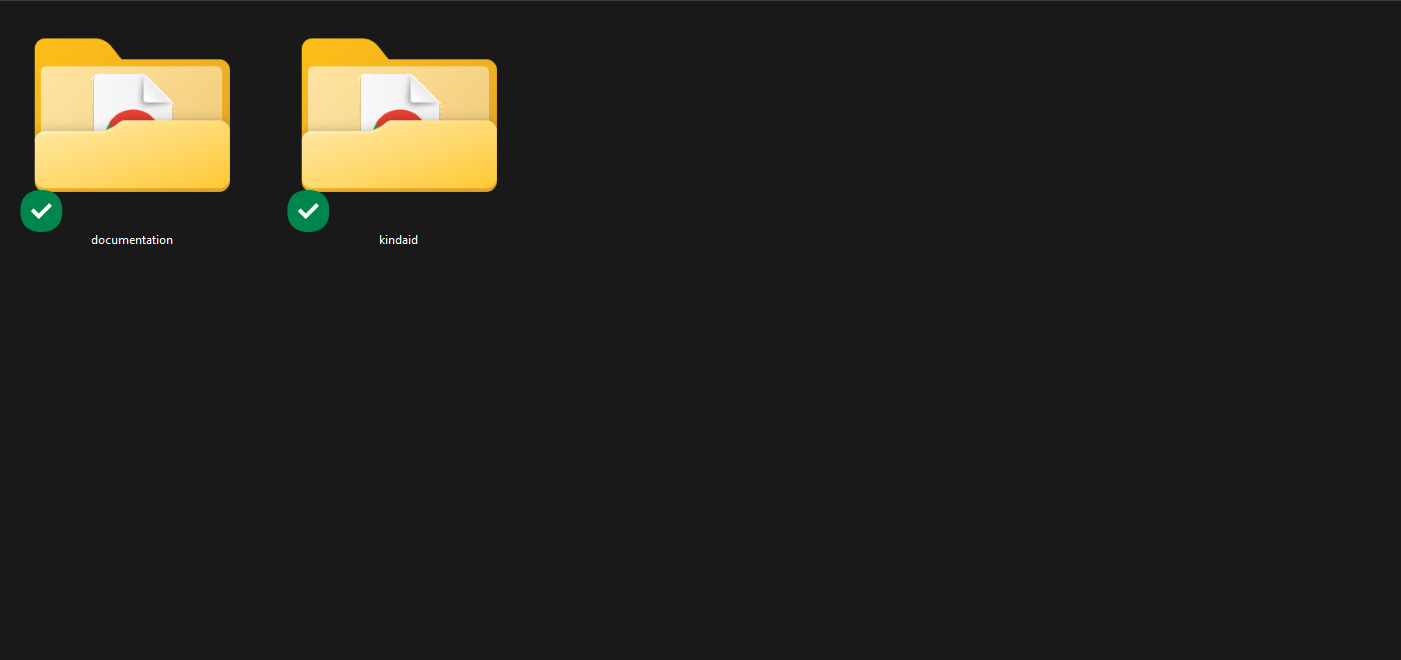
The contents of the template package downloaded from ThemeForest
KindAid - An HTML Template file. this file you can edit and use for donation platforms.
Documentation - This folder contains what you are reading now :)
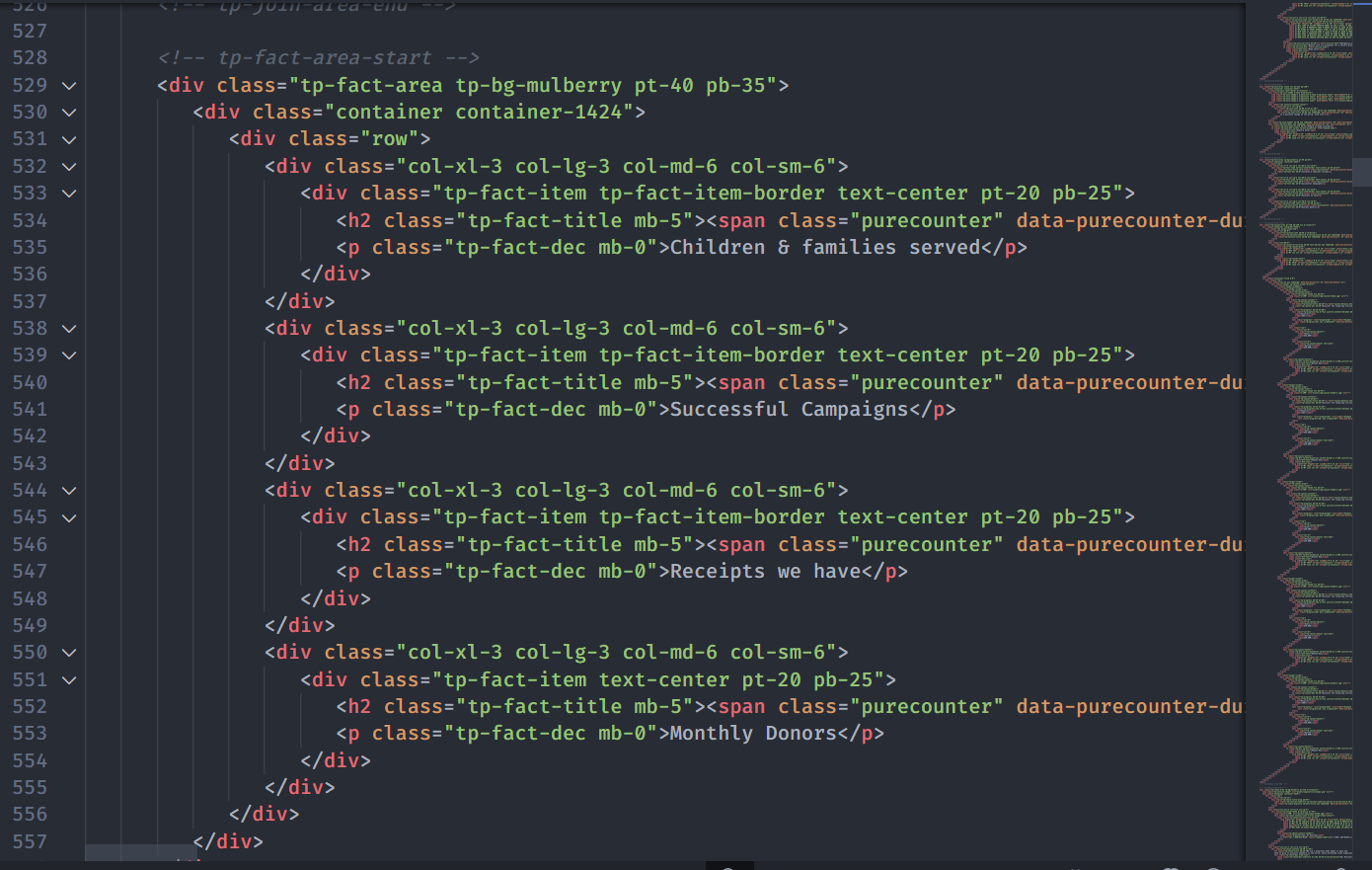
The main contents are inside the 'body' tag divided into differt section (i.e. header, banner, services,... footer etc.). The general template structure is the same throughout the template. Here is the general structure.
This template is a fixed layout with four columns.
HTML Markup Structure
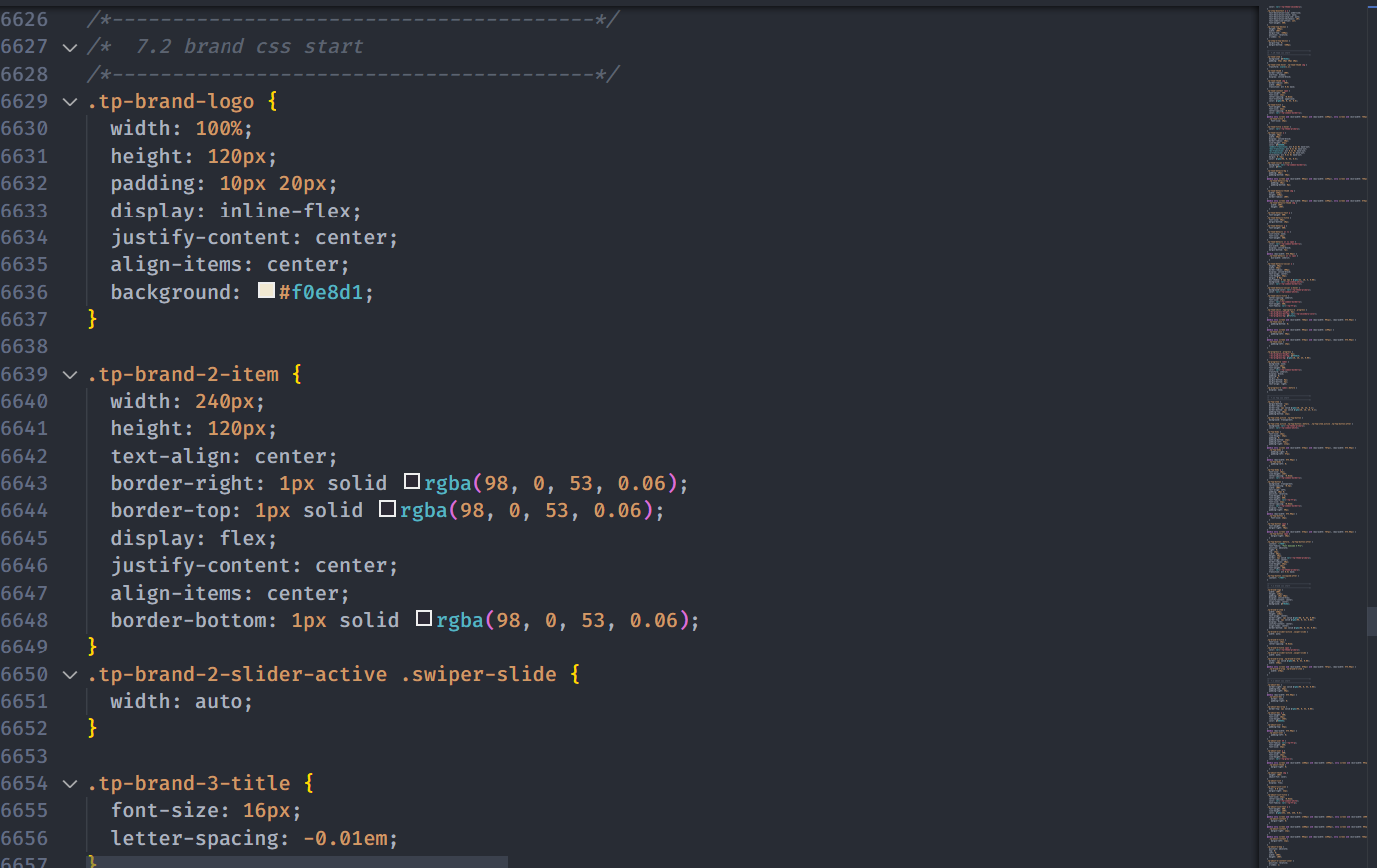
CSS Files and Structure
We are using one customed CSS files (style.css) and several vendor css files. CSS file structure is as follows:
CSS Files and Structure
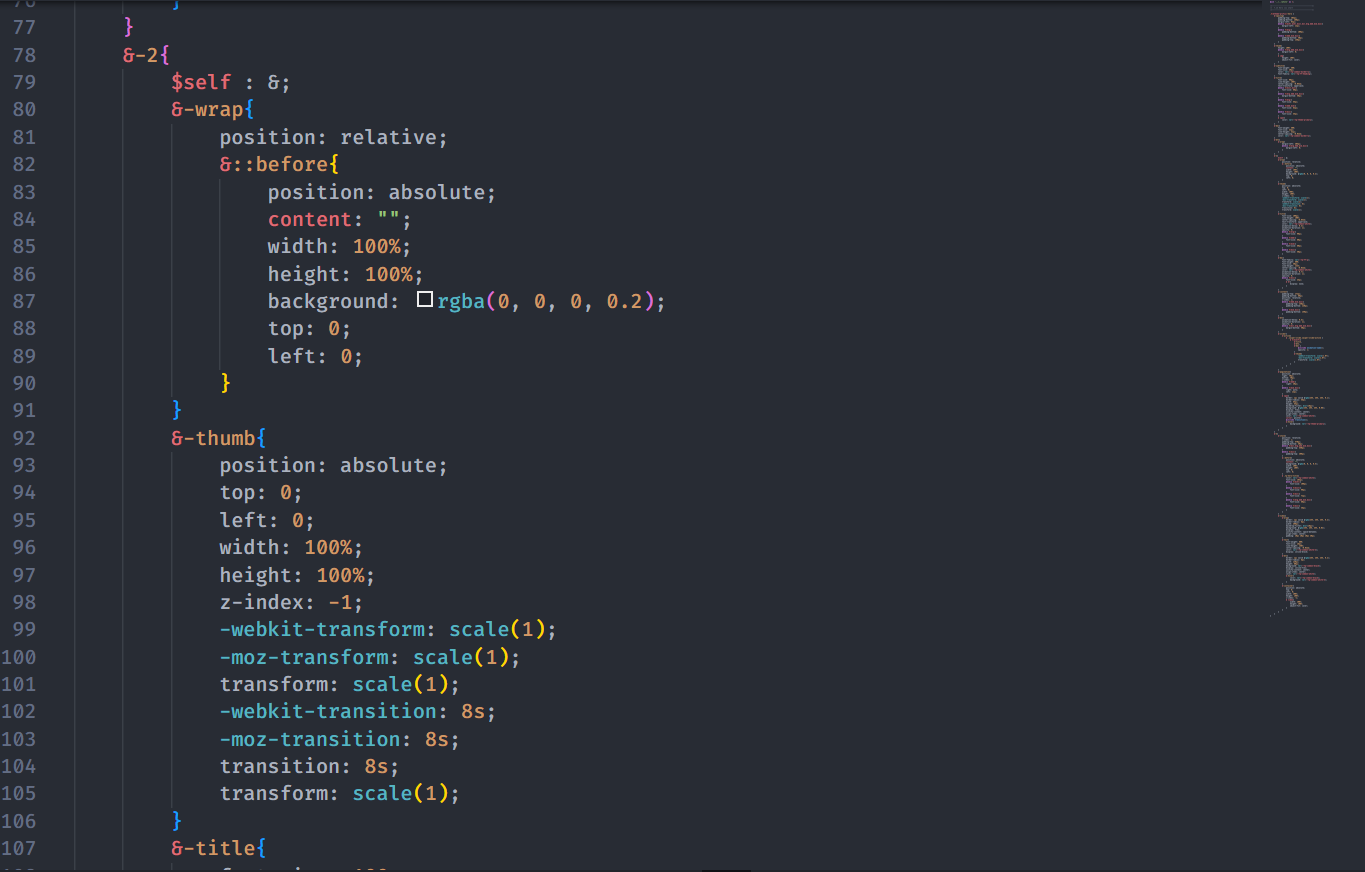
SCSS Files and Structure
Here our SCSS Structure:
SCSS Files and Structure
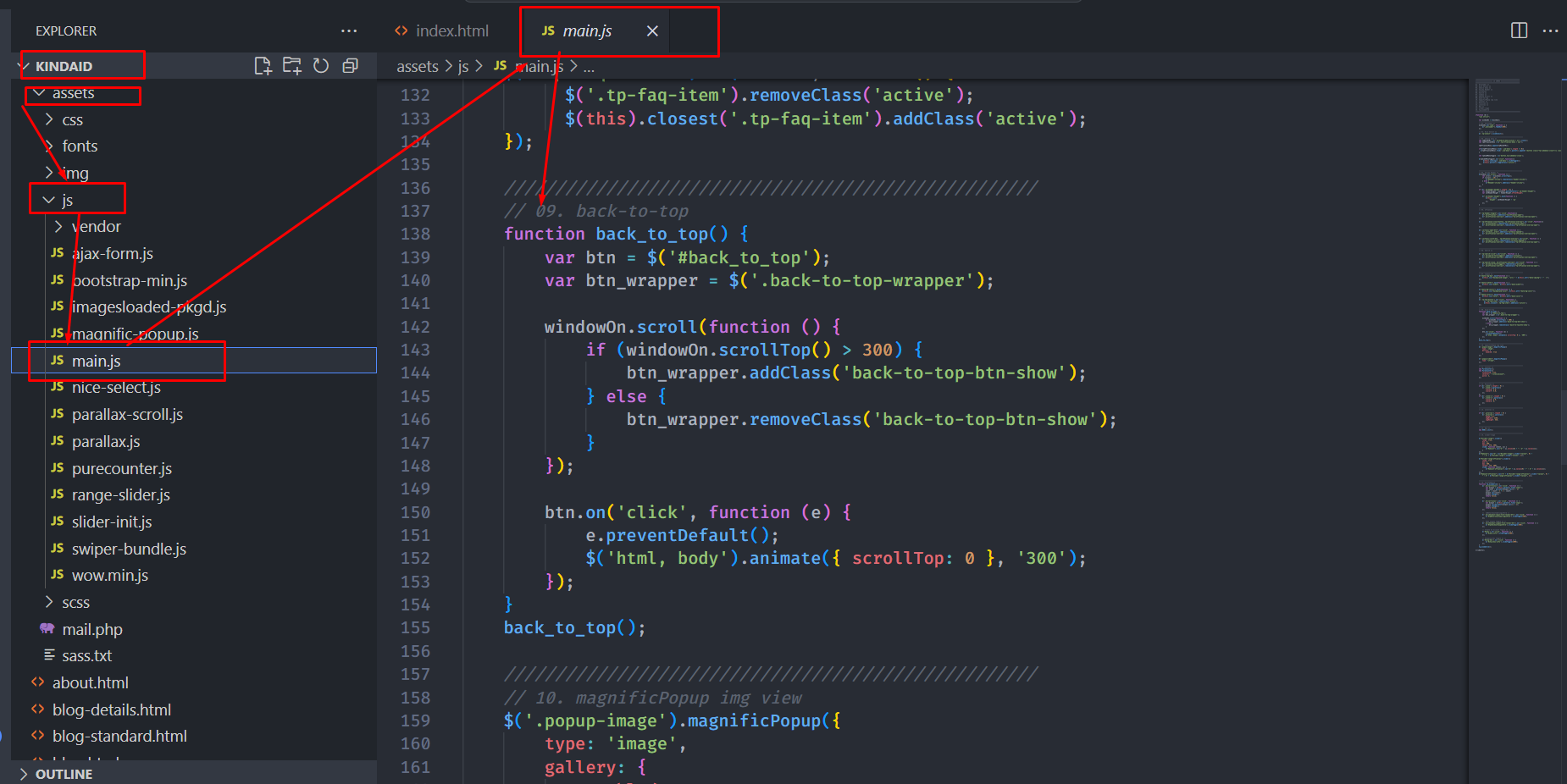
JavaScript Files
There is a custom .js file named main.js and are several vendor js files as plugins. We are using jQuery(a javascript library) instead of vanilla javascript. Our file structure is a follows:
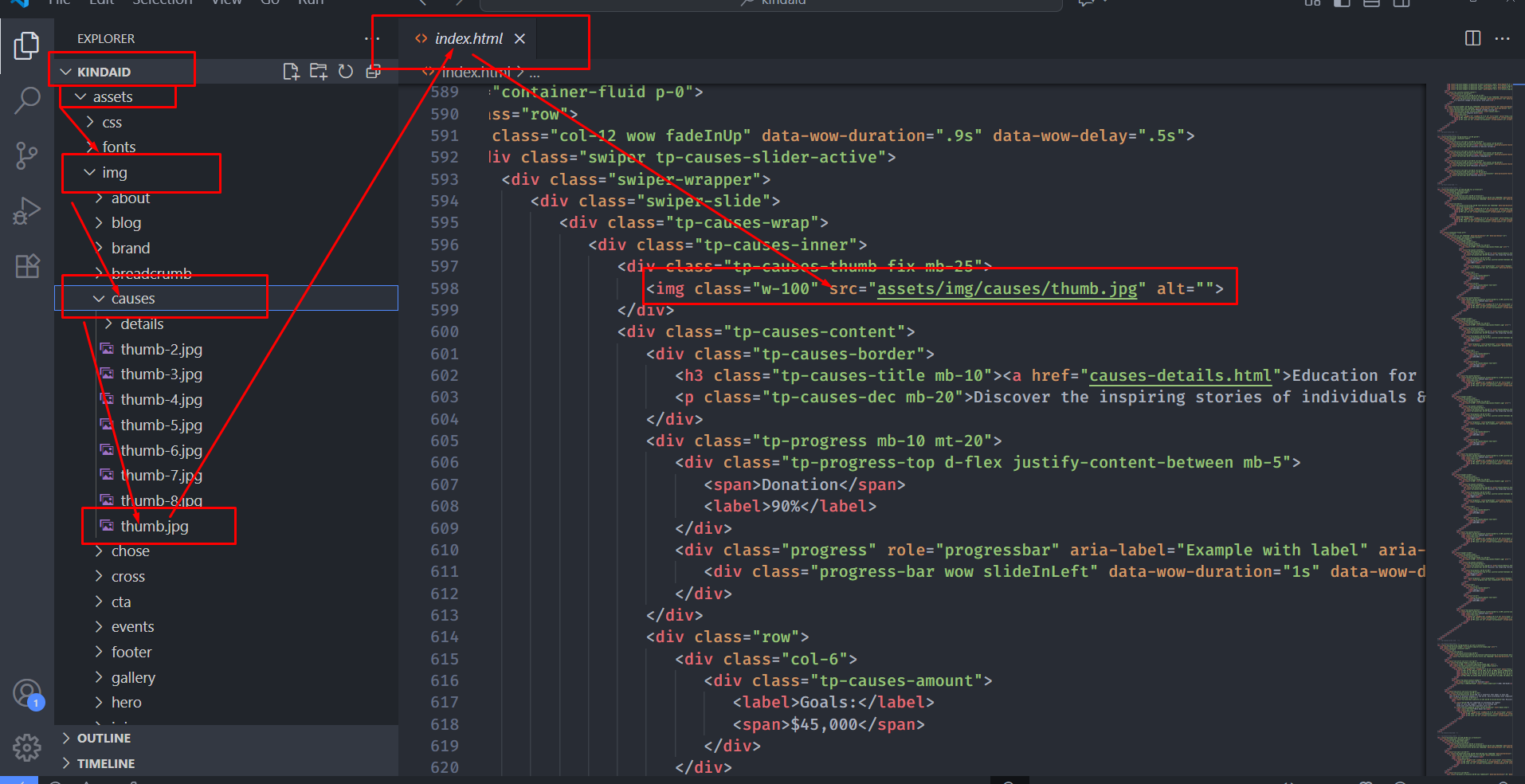
Carefully collect the source name of the image (i.e. about-1.jpg)
Open the file called images.
Find the particular image file.
Replace the file with your image.
Make sure that the file name does not change.The file name should be the same.
Example: Suppose you want to change the following image file:
You have to do the following to change this image with your own image:
Open the file called images.
Find the particular image file called about-1.jpg
Replace the file with your image
Make sure that the file name does not change.
Note
Images seen in the live preview are only set for preview purposes. They are not included in the download files.
Changing Brand Logo
To change any images of the website
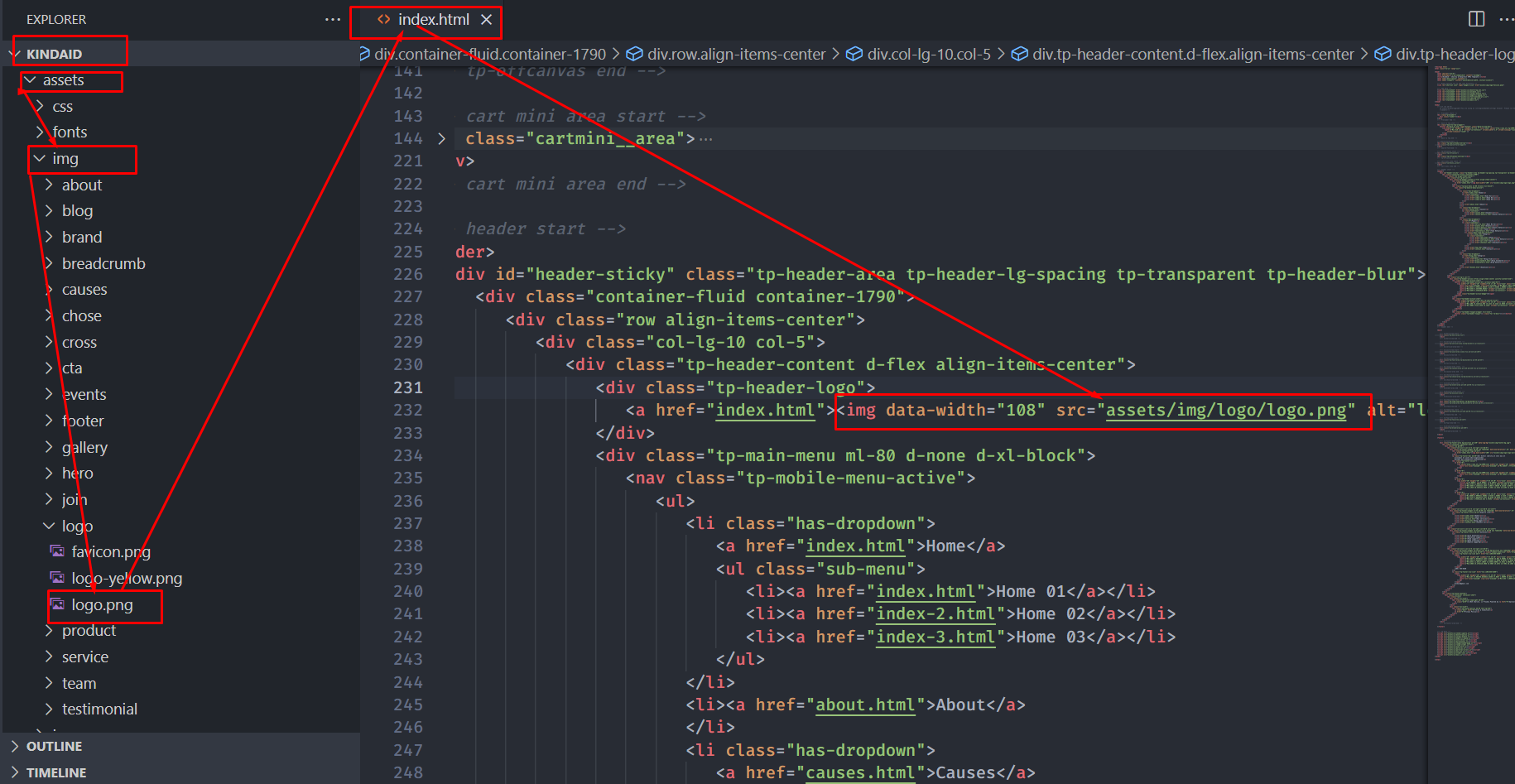
Carefully collect the source name of the image (i.e. logo.png)
Open the file called images.
Find the particular image file.
Replace the file with your image.
Make sure that the file name does not change.The file name should be the same.
Example: Suppose you want to change the following
image file for change your logo:
Changing Colors
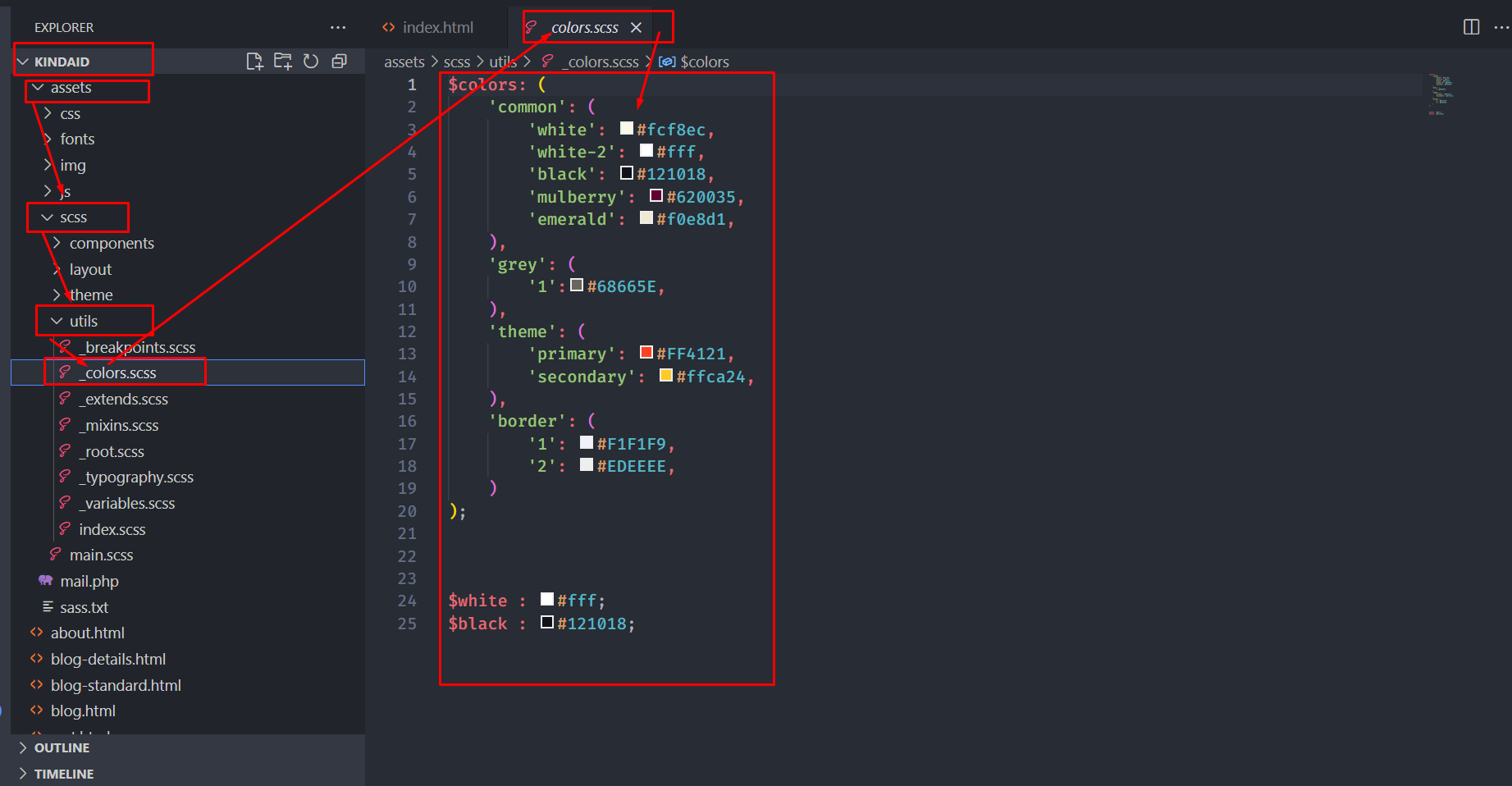
We have used scss for this project to write css. If
you are familiar with scss you should customize
only the .scss files. Please make sure you compile
the main.scss file after you have made changes in
any of the .scss files.